SciSuite. Science should be sweet.
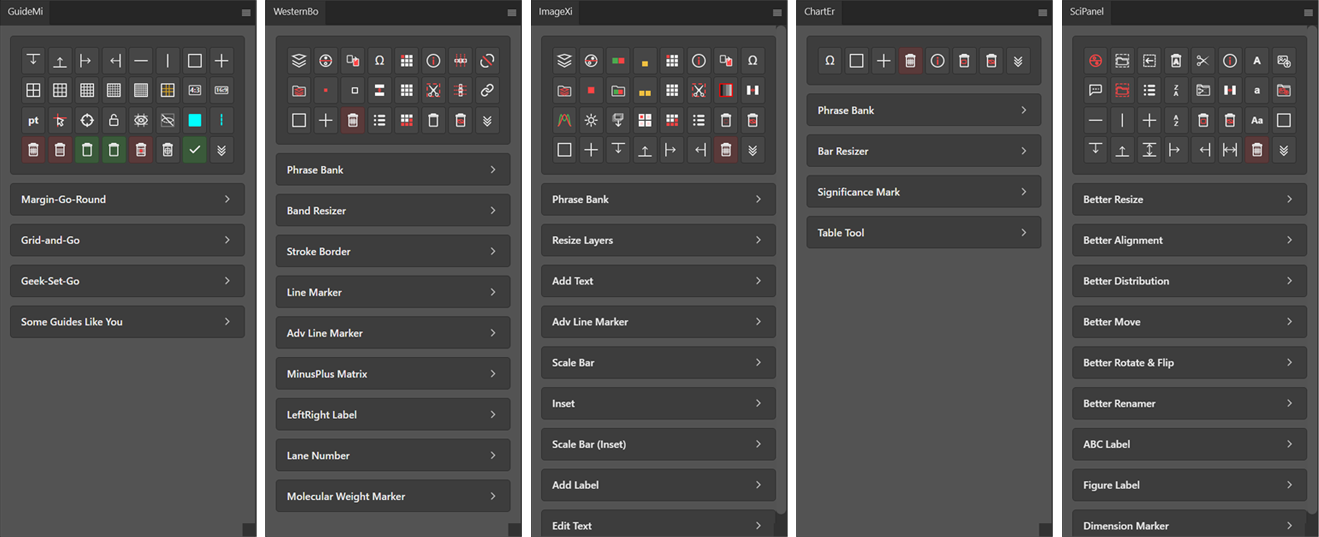

Margins, grids, golden ratio, unequal divisions, and guide layout snapshots with smart boundary detection and live preview.

Lane labeling, molecular weight markers, band resizing, stroke borders, line markers, and plus/minus matrices for blot figures.

Scale bars, channel split/merge, pseudo-color LUTs, magnified insets, sequential labeling, and batch layer resizing for microscopy figures.

Significance marks, bar resizing, advanced line markers, table drawing, and phrase bank for annotating charts and graphs.

Multi-panel layout with smart resize, alignment, distribution, ABC labeling, figure labels, dimension markers, and batch export to PNG/TIFF/PDF.
Grids and guides, blots cropping and annotations, scale bars, inset, channel split/merge and pseudo-color, significance marks and tables, panel layout with advanced alignment, distribution, and batch export.
Stroke borders, line markers, scale bars, significance marks, tables, and dimension markers are all generated as vector shape layers. Crisp at any resolution, ready for journal submission without rasterization artifacts.
Select your target, set a few options, hit Go. If something isn't right, the plugin tells you exactly what to fix. Click, long-press, right-click, and scroll wheel give you full control without leaving the panel.
中文, 日本語, 한국어, العربية, Deutsch, English, Español, Español (Latinoamérica), Français, Indonesia, Italiano, Português (Brasil), Português (Portugal), Русский, Türkçe. Your whole research team covered, worldwide.
In Photoshop, a single plugin action may modify dozens of layers, normally requiring many undo steps to revert. SciSuite wraps each operation into one history state, so one Ctrl+Z takes you right back.
Save your settings, export them as files, and share across your lab. Everyone gets the same style, consistent figures, zero setup when switching machines or onboarding new members.
GuideMi · WesternBo · ImageXi · ChartEr · SciPanel
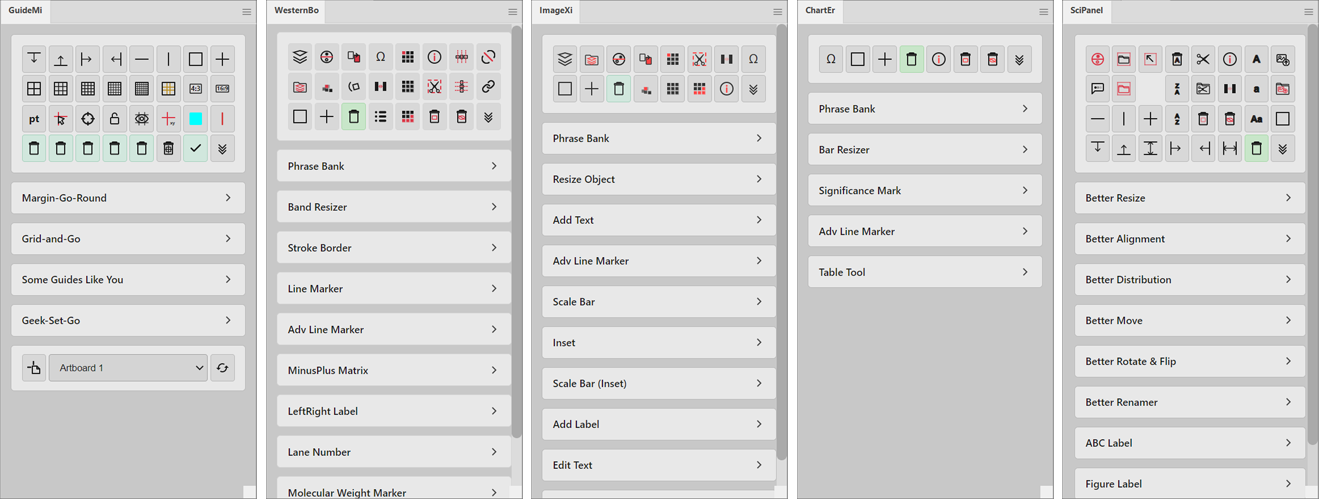
GuideMi · WesternBo · ImageXi · ChartEr · SciPanel
Step-by-step setup instructions for Photoshop & Illustrator on Windows and macOS.
View Guide"SciSuite completely changed how our lab prepares figures. What used to take hours of manual alignment and labeling now takes minutes. The vector output is publication-ready right out of the box."
"以前做 Western Blot 的图,光是对齐 label 和加 marker 就要折腾半天。现在用 WesternBo 几步就搞定了,导出的矢量图直接投稿,审稿人再也没挑过图的问题。"
"プリセットを研究室全体で共有できるのが素晴らしい。新しいメンバーが来ても、同じスタイルですぐにFigure作成を始められます。論文間でFigureの統一感が格段に上がりました。"